Questions
What do I need to run them?
A 64-bit Windows 10 or 11 computer and a DAW that loads VST3 plugins, such as Ableton Live, FL Studio, Cubase, Bitwig, Studio One or Reaper.
How do I install them?
Unzip the download, then drag the .vst3 file into C:\Program Files\Common Files\VST3 and rescan plugins in your DAW. There’s no installer to run. Full steps are in the download.
When is SNAP out?
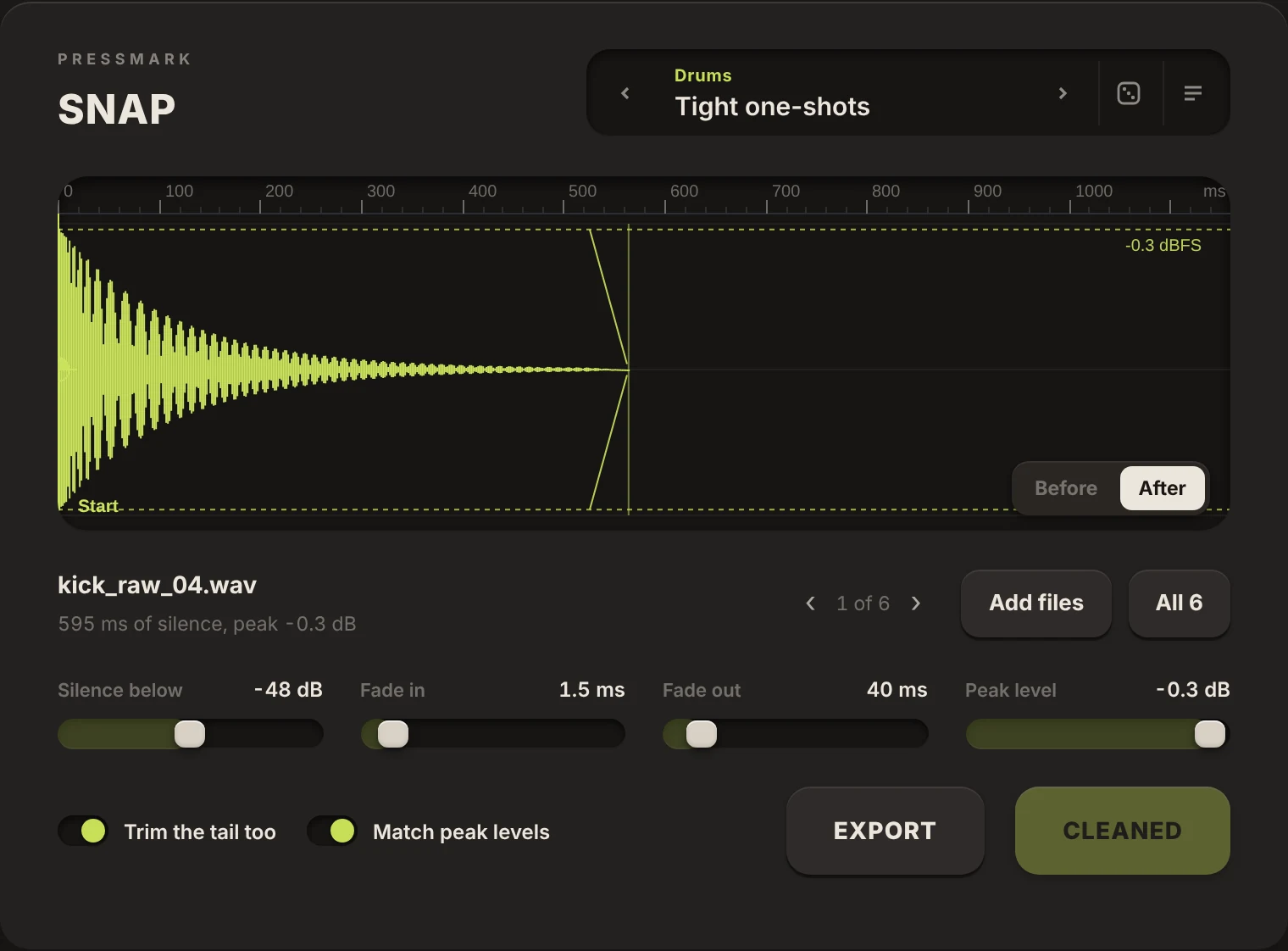
Soon. SNAP is a standalone app, and we’re finishing Windows code signing so it installs without warnings. The Essentials bundle launches with it.
How does the licence work?
Your purchase is a personal licence: install it on any computers you own and use it in commercial music. Just don’t share or resell it.
Can I get a refund?
Yes. If a Pressmark instrument doesn’t work on your system, email us within 14 days and we’ll help or refund you. Full details are on the refunds page.
I bought one plugin. Can I upgrade to Essentials?
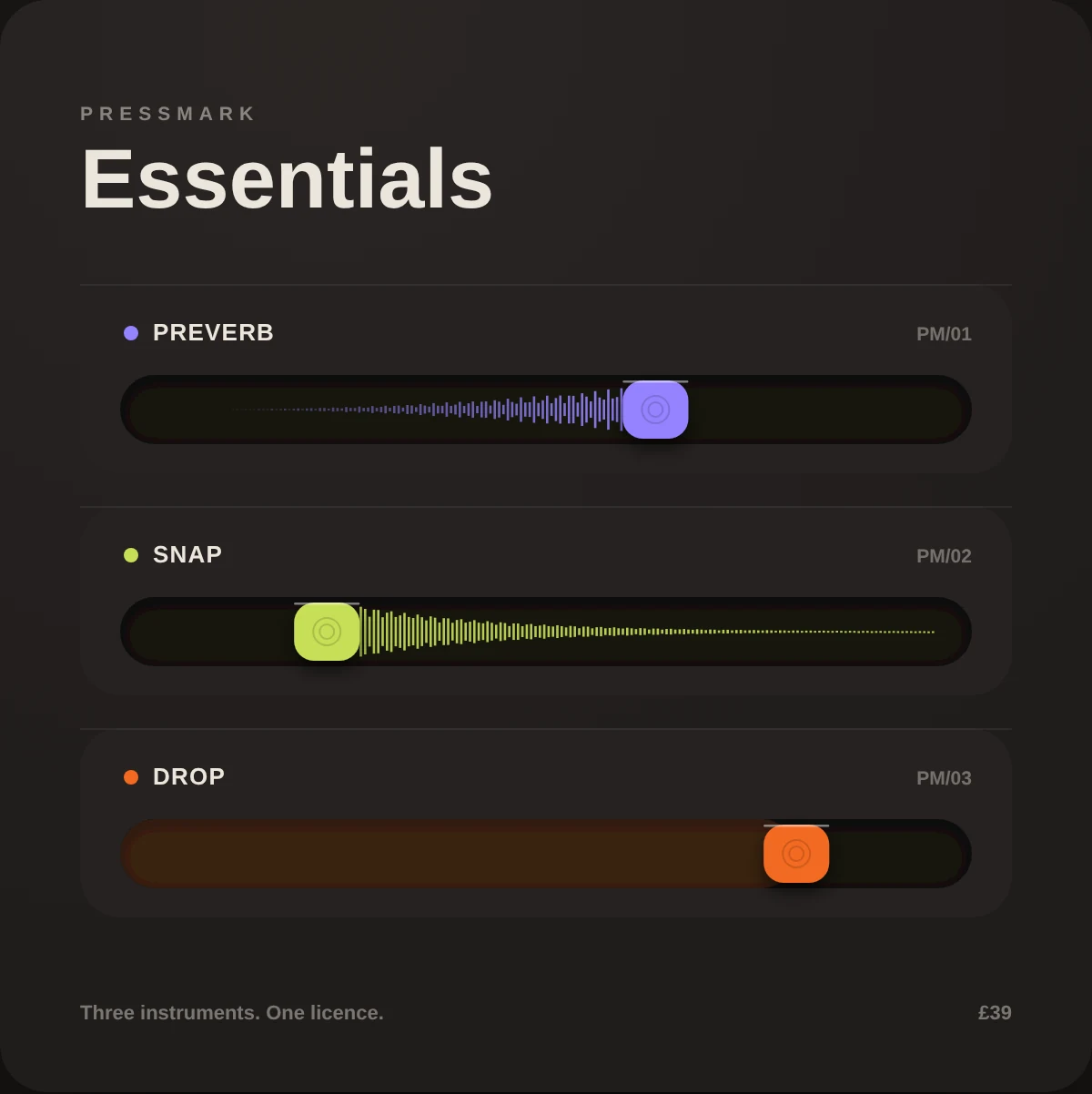
Yes. Email us with your order number and we’ll send you a code that takes what you paid off the Essentials price.
How do I get help?
Email hello@pressmarkaudio.shop and we’ll get back to you.